Simple Techniques for Quality Photo Capture
No need to hire a professional photographer or own a professional camera to get great photos
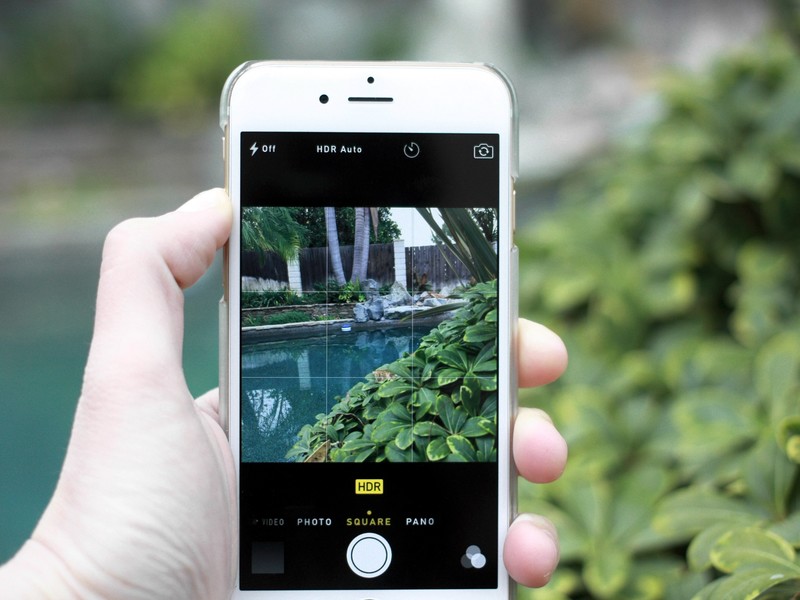
Smartphone cameras and camera phones are now the norm for taking pictures, sharing images, and publishing them on social media and websites.
With ever-increasing tech, smartphone camera apps come equipped with more megapixels, better image sensors, and a double-sight lens instead of a simple lens.
This means your camera phone can capture professional, high-quality images to showcase your products and services.
Why are quality photos so important?
The quality of your images will make – or break – the impression you make.
Photos intended for business use require optimum quality for a polished and professional representation.
If you’re uncertain about how to adjust or use your smartphone for high-quality photography, follow this guide on basic adjustments and techniques for taking high-resolution and high-quality pictures with a phone.
Do smartphones take high-resolution photos?
Most mobile phones now include a high-end camera. The most advanced models have more pixels than any earlier model, and many models feature two- to three-megapixel lenses instead of one-inch lenses.
Basic Steps for Taking High-Resolution and High-Quality Smartphone Photos
1. Adjust your phone camera settings to the highest quality
Follow the steps below to change your smartphone photo resolution to the highest quality available. Depending upon the smartphone version you have the steps may be somewhat different.

- Apple iPhone
- Tap on Settings
- Scroll down and tap on the Camera app
- Tap Formats
- Select Most Compatible. This will produce higher-quality photos
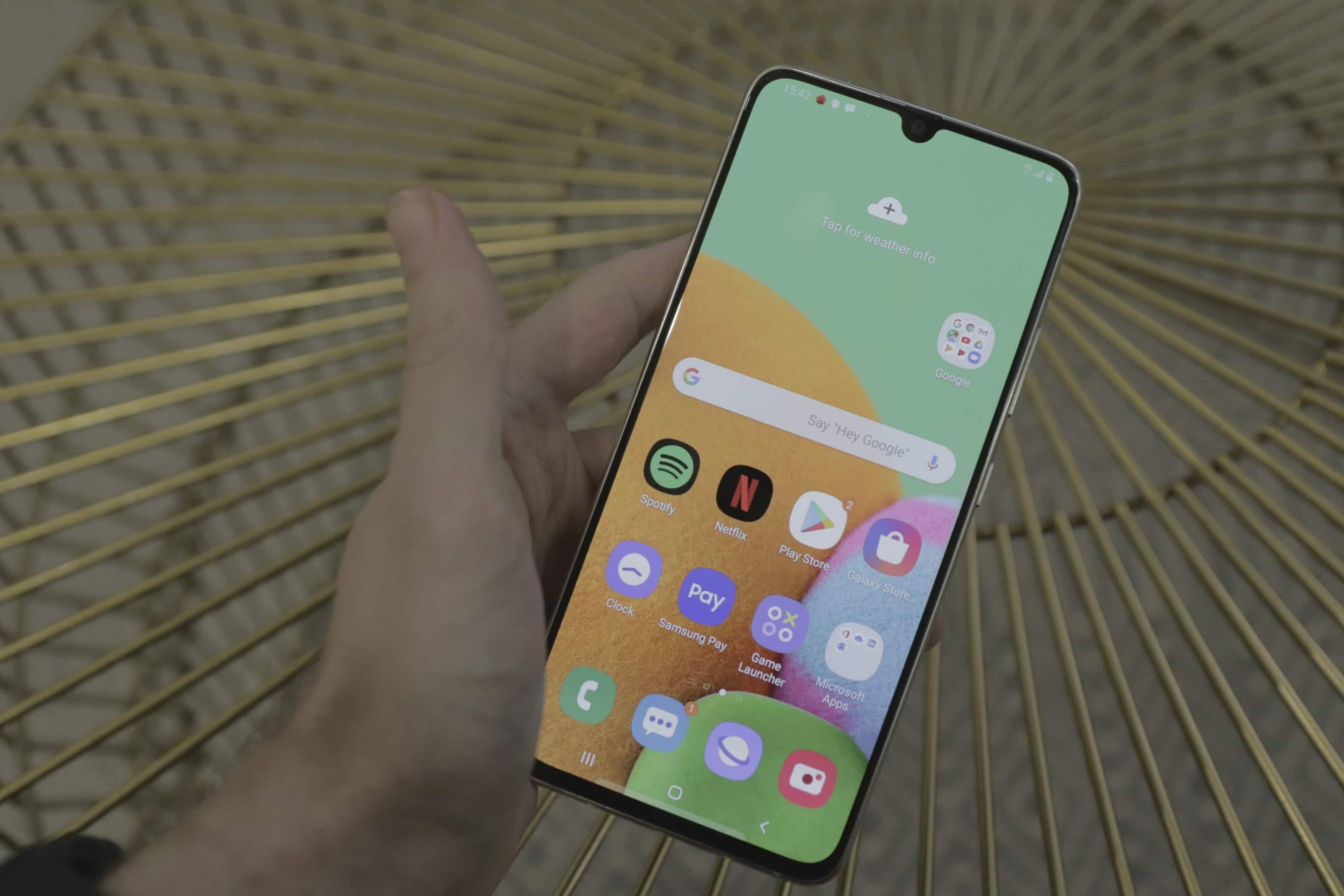
- Samsung Galaxy
- Open the Camera app
- Tap the Ratio icon
- Tap the 3:4 Ratio option
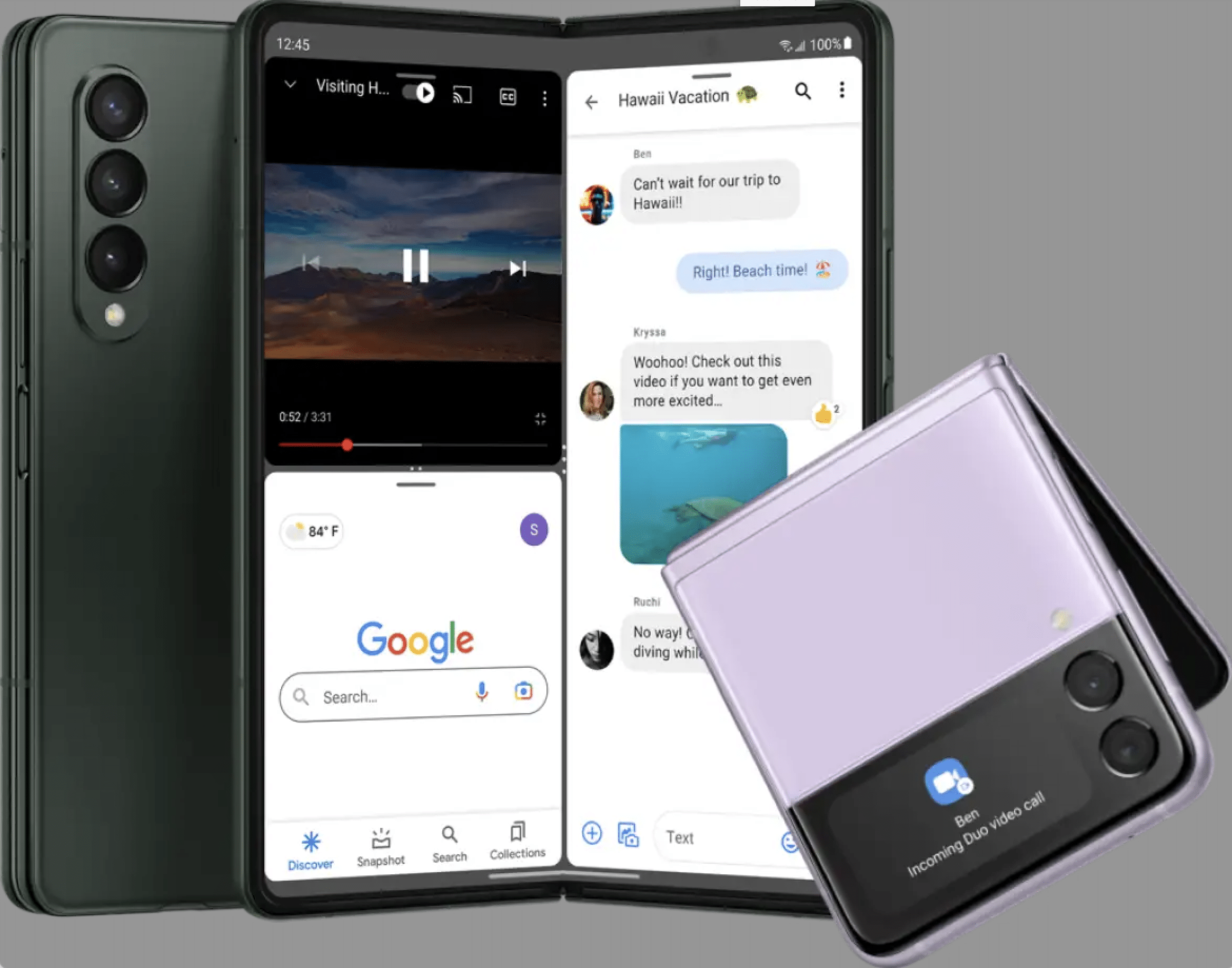
- Android
- Tap the Camera app
- Tap the Gear icon
- Locate and tap on one of the following (options will vary by device):
- Image properties
- Image quality
- Picture size
- Image resolution
- Select High
2. Use a tripod
If you want to take your smartphone photography to the next level, using a tripod can make a big difference. A tripod will help you to stabilize your phone and prevent blurry photos, allowing you to capture sharper images.
3. Compose your shots carefully
When it comes to smartphone photography, composition is key. No matter how optimum you’ve programmed your phone’s camera setting, if your shots aren’t composed well, they won’t look great. Here are a few tips on how to compose your shots so that they’ll turn out looking amazing:
4. Follow the Rule of Thirds
One of the most important composition rules is the rule of thirds. This rule dictates that an image should be divided into vertical and horizontal thirds so that you have nine equal sections. The subject of the photo should then be placed along one of those lines or at one of the intersections. This will create a more pleasing and balanced photo.
5. Use Leading Lines
Leading lines are another noteworthy tool for good composition. Leading lines help lead the eye into the photo and toward the subject. They can be created by several things, such as roads, fences, rivers, or even people walking through the scene.
6. Establish a Frame
Framing is another great way to add interest to your photos. You can use things like doorways, windows, arches, or even trees to frame your subject. This will help to create a sense of depth and dimension in your photo.
7. Use Negative Space and Simplicity
Negative space is the area around your subject. It’s important to leave some negative space in your photo so that your subject doesn’t get lost. Too much positive space can make a photo feel crowded and chaotic. Likewise, simplicity is always best when it comes to composition. When you’re shooting, keep the focus and avoid visual clutter and distractions.






Wrapping Up
Taking great photos with your smartphone is easier than you think. With a few simple adjustments to your phone’s camera settings and some basic composition strategies, you can take high-resolution pictures that will look polished and professional.
Resolve marketing headaches
Promote your business. Connect with customers.
Fat Cat Design specializes in website design, social media, marketing, and graphic design.
We help businesses excel, achieve marketing goals, and succeed.
Contact Fat Cat Design to strategize about your business and services.
Get Started
